Mar
2009

Apple and their Quality

What is it with Apple and their quality?

Maybe it’s just me, maybe I am jinxed. Here is a list of Apple equipment I have bought 

PowerMac 6100 no faults
PowerMac 6400, no faults
iMac, no faults
iBook Clamshell – Off ebay, no fault.
PowerMac G4, Hissing sound from speaker, not replaced/fixed
White iBook 500Mhz, No fault
Titanium G4 PowerBook, No fault
Aluminium PowerBook G4 LOADS of faults

  • Screen faulty, faded one side
  • Keyboard problems
  • Trackpad issues
  • Cracked plastics after repair
  • Second screen, faded issue again
  • Pixels faulty after it came back from repair
  • Further problems with keyboard at this point Apple replaced it

Aluminium PowerBook G4 Second machine, 4 dead pixels and further screen issues (was sold on and Superdrive since failed)
Apple TV, died under warranty
Mac mini 1, no faults
Mac mini 2, no faults
iPod’s, iPhone and iPhone 3G no faults
Several xServes, couple of hard drive failures
Aluminium MacBook Pro, paint peeling under space bar and apple key, pitting
24″ Aluminium iMac, Defective glass replaced under warranty
Unibody MacBook Pro 1, was sent an opened and damaged machine

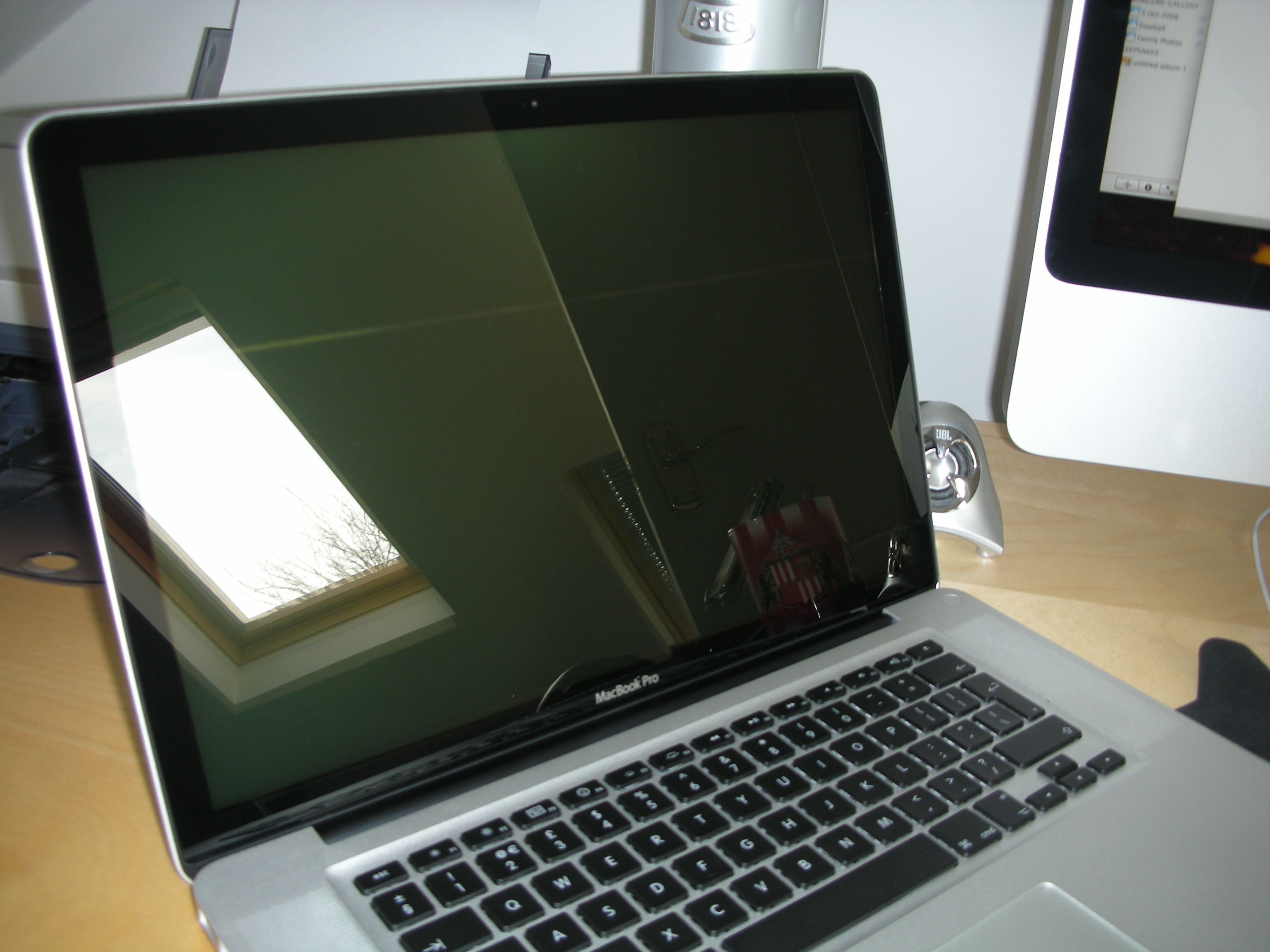
So, quite a few problems and now my replacement MacBook Pro has a dead pixel. I must be so unfortunate with Apple kit.

Here are a couple of photo’s of the pixel. They are being sent to Apple so they can evaluate the issue. But seriously, why do I love Apple kit so much even though there are quality issues!


Ok, after reading the above I see that most of the kit I have bought have not developed faults. However, last 3 machines have. God knows what Apple is going to say but I reckon it will be a case of  “Sorry, one dead pixel is within the acceptable failure rate for screens”.
Mar
2009

In with the New…

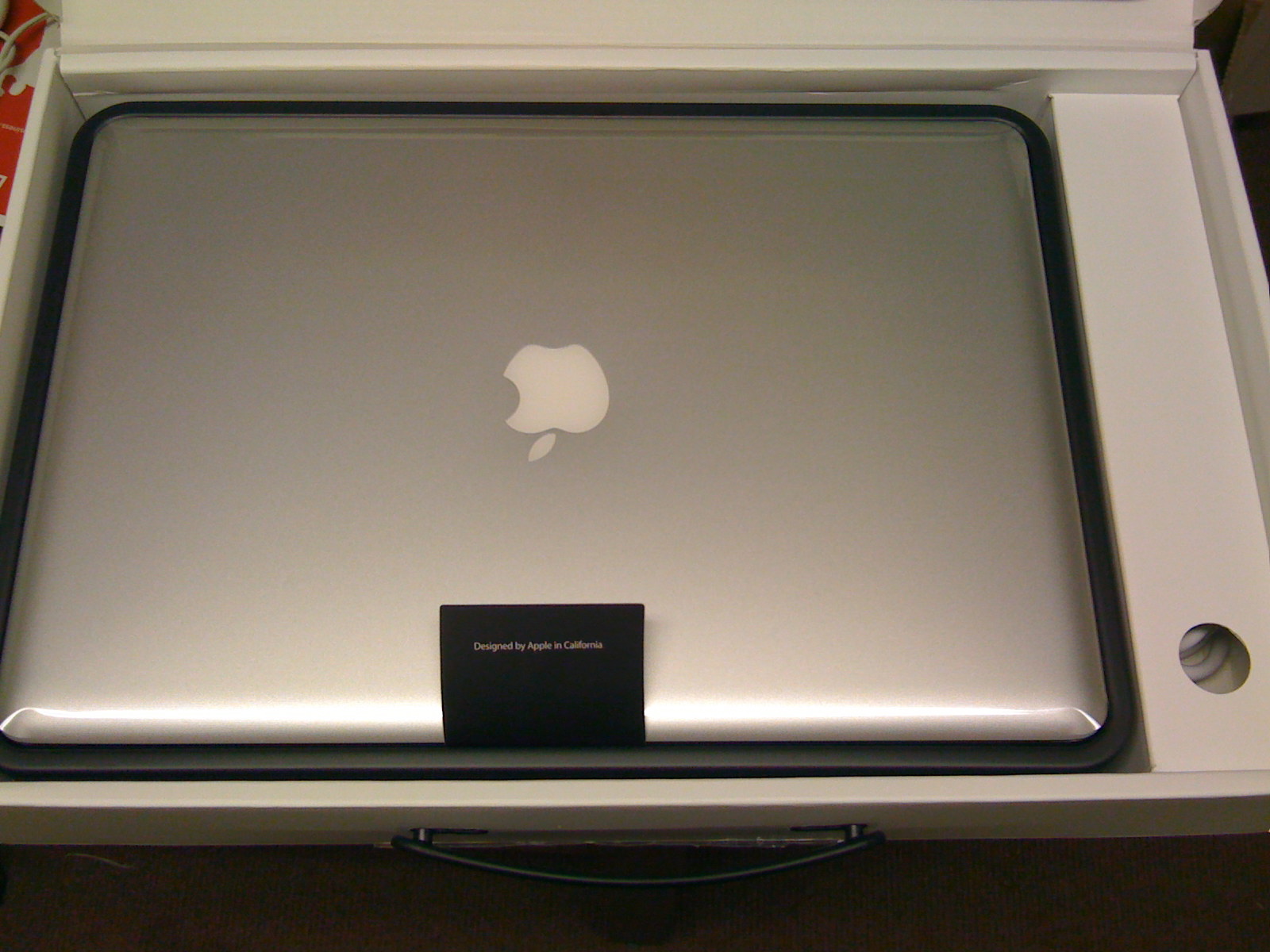
Yesterday I placed an order for a MacBook Pro which Apple stated would ship within 2 days. However, to my surprise Apple shipped it yesterday and it has arrived already!

What hit me the most was the size of the box! It’s a lot smaller than the previous MacBook Pro box yet the machine is slightly wider, I would do a comparison photo but the original MacBook Pro box is in the eaves.

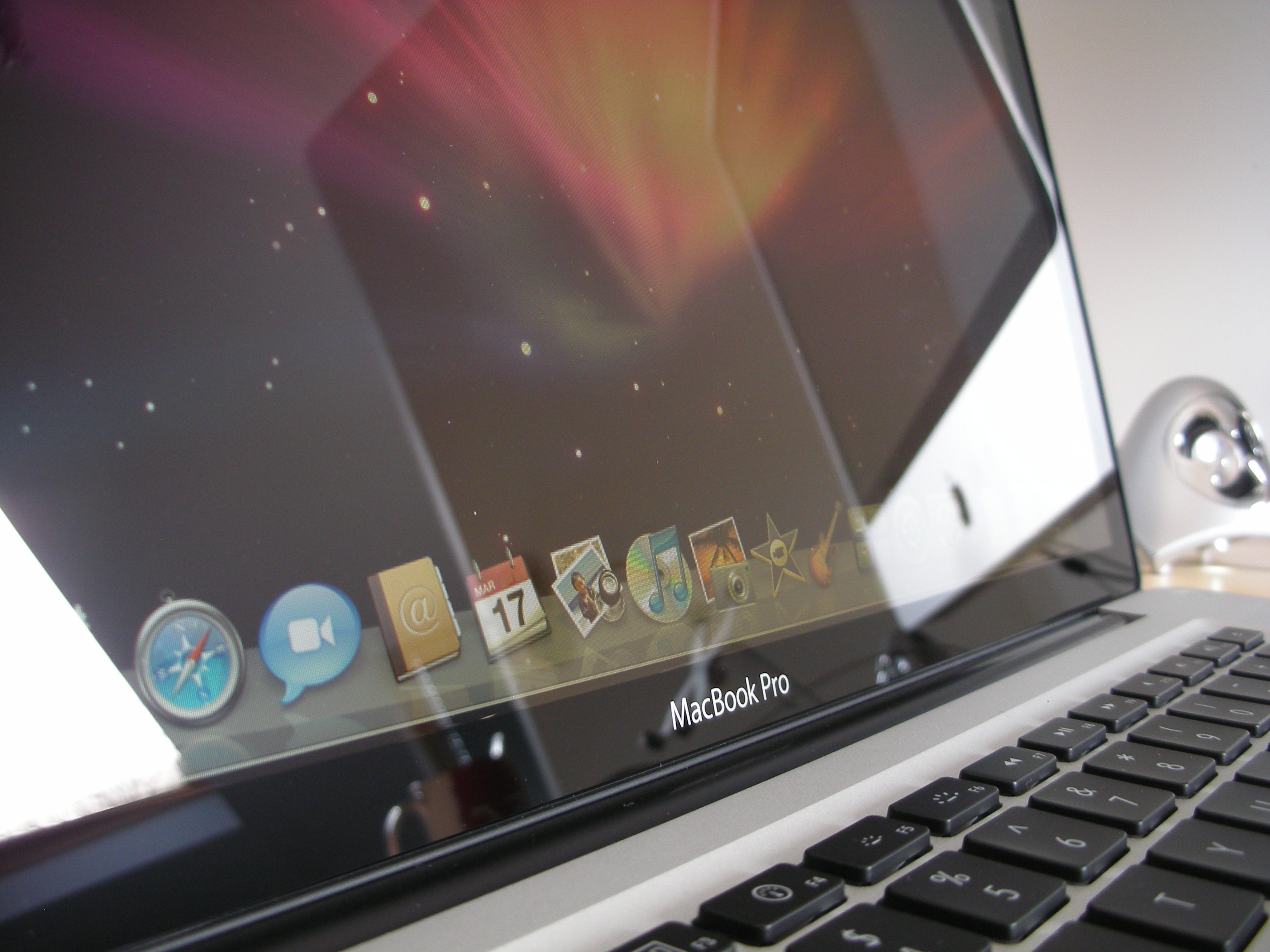
The glass screen looks AMAZING, I rarely need to use my MacBook Pro outdoors and if I did do I imagine this type of screen would be a nightmare as it does have quite a reflection on it if the background is dark.

Interestingly enough the box had been opened and re-sealed so I was a bit cautious as to what I might find inside. Someone thinks maybe it was upgraded, could it be that the chip is actually clocked using software in order to be the higher 2.66 instead of the 2.54 it recently replaced? The MacBook Pro itself was wrapped in the protection plastic cover, but the unit has had something done to it, what I just don’t know. The screen had part of a hand print on it and it’s obviously been wiped so I wonder if something was replaced in the machine or if this is a unit that had been returned back to Apple? I am not sure.

Just beneath the trackpad there is an indentation where it looks as though something metallic had been dropped on it, such as a dart or screwdriver or something. However, this is only visible in certain light conditions (it was really hard to take a picture of it, the iPhone was the only camera that would pick it up and it’s the smudged part on the image above.

I absolutely love the machine but I am so torn as to wether to keep it or send it back as defective/marked and take the risk that maybe the next one I get has a dead/stuck pixel which this does not. Surely it if was brand new the machine would not have part of a hand print on it.

I think I may have to call Apple and discuss this issue.

Mar
2009

Sending email from iPhone

Setting up O2 SMTP server on the iPhone

For months I have struggled intermittently to send email from my iPhone when not connected to WiFi or a decent signal. This was infuriating me a lot so I decided to see if there was something I could do about it. I thought the easiest way was to set up a SMTP connection to the ISP, this of course being O2 and a quick scan of Google confirms that this would work.

Rather than editing the existing SMTP connection settings you can add a new one by doing the following :

setting1

Tap Settings -> Mail, Contacts, Calendars -> Click on mail account you wish to edit
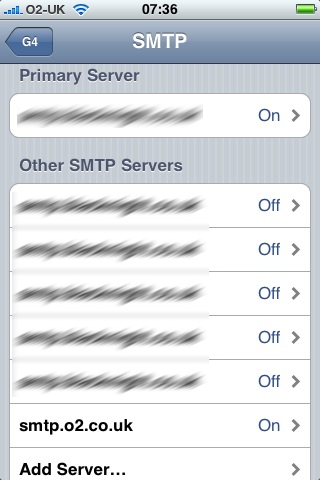
Scroll down to Outgoing Mail Server and tap SMTP
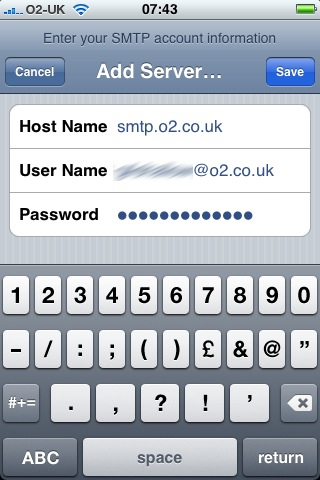
Tap Add Server

Then enter the following information

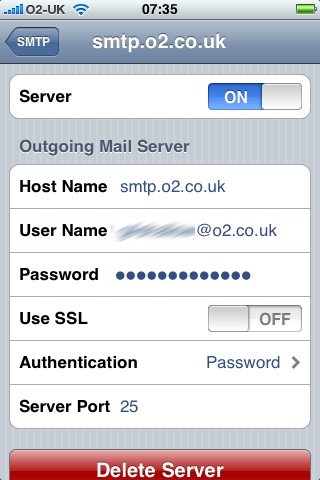
Hostname : smtp.o2.co.uk
Username : youro2username@o2.co.uk
Password : youro2password

setting2

Tap Save, now this is the important bit , be patient. It can take a while before it verifies the connection. Once this has finished you need to go back into the setting and turn it on and ensure the other settings are as follows:

SSL : OFF
Authentication : Password
Port : 25

setting3

Now, when you send email it will try your primary SMTP server first and if that fails it will then use your alternative SMTP server. (I have lots of email accounts set up on my iPhone hence there being a lot in the Other SMTP servers.

I hope this helps a few people.

Mar
2009

Pixelmator

I was looking for an alternative to Photoshop as it’s too expensive for what I need it for. Gimp comes highly recommended but a friend on Twitter (@purplelime) raves about Pixelmator so I downloaded a trial and was blown away by how cool it looks and it’s features. There was a competition to win a license on FruitBytes but since I was unsuccessful I bought my own license 🙂

Pixelmator

Just need to locate some tutorials (what sites do people suggest?) so that I can get the best out of it. I plan on using it to create banners for a new website I will be managing – more on that to come.

Mar
2009

Home Set Up – A rethink!

The way I use my Macs at home is all wrong.

I have the following main machines:

  1. MacBook Pro – used the most
  2. Mac mini – home server
  3. 24″ Aluminium iMac – Home office Mac

The machine I use the most is without doubt the MacBook Pro. I use it at work, home, when away etc…. and it sits on the edge of the sofa, much to the distaste of my wife 😉

Mac miniThe iMac is my home office machine tucked away in the loft where I go to get away from the kids to work 😉

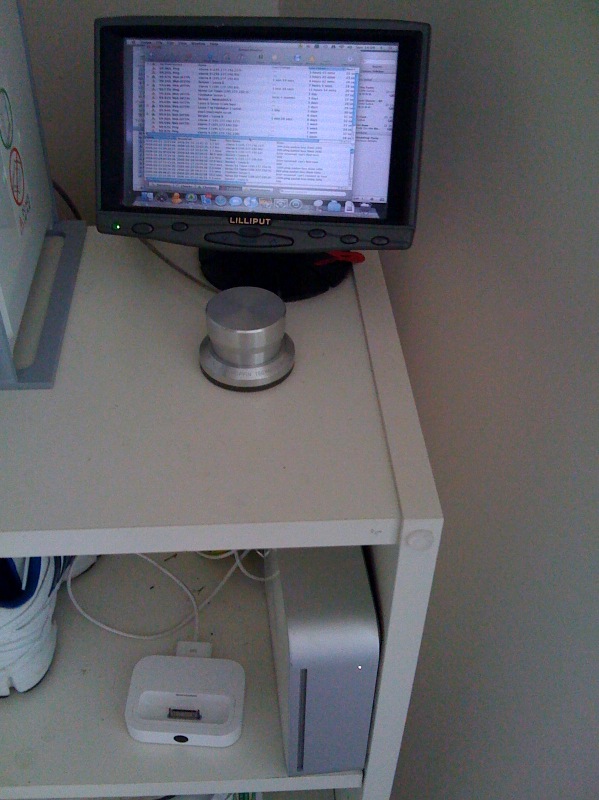
My Mac mini, which sits in the shoe cupboard ;), is controlled by Screen Sharing or via a 7″ touchscreen.

This machine is used to store all our family photos, my iTunes purchases which are also synched to the Apple TV, as an answering machine using Ovolab phlink, and it also monitors my web servers in London using Simon. Oh, it’s also used to sync music and playlists onto the iPod video which sits in a speaker system in the bedroom.

The main issue I have found recently is that I have been buying more and more music on iTunes which are downloaded on the mini but then not easily available to sync onto my iPhone or wanted to print some images from iPhoto. I have been downloading what I want onto the mini then copying over to the iMac or MacBook Pro as an when needed.

So, I have been thinking that I need to re-arrange the way I have the system setup and should use the iMac as the machine which stores all my photo’s (a lot easier to manage the photo events on the larger screen ;)), music, playlists, sync with Apple TV, iPhone and iPod. Then set up an Automator script which backs up the iPhoto and iTunes library folders to the Mac mini and MacBook Pro as and when I make changes.

Thoughts? How do you handle music, photo’s on multiple Macs? Is there software already out there that would handle all this a lot easier?

Edit
I have merged the Mac mini data and the iMac data together and now scheduled a script which will run on a weekly basis to synchronise the iMac Pictures and Music folder to the Mac mini. After the first time this runs, which said it would take 6 hours to back up pictures alone 😮  I will then change it to be daily if it truly does just synchronise. I have a feeling it may start the iPhoto one from scratch each time. Ah well will soon find out 😉